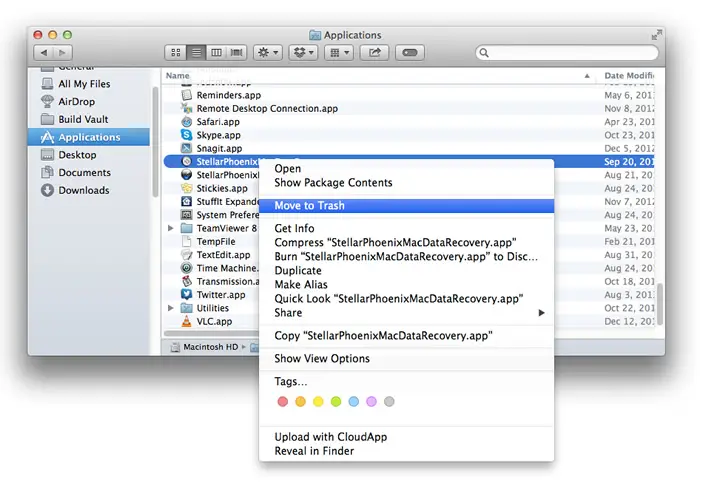
Adore Softex Solutions Inc Driver Updater — Safe Removal Guide
Follow the step-by-step instructions below to completely uninstall Adore Softex Solutions Inc Driver Updater from your Windows system.
Proper removal ensures that background services, scheduled tasks, and temporary driver update files are fully cleared from your PC. This helps prevent conflicts if you plan to reinstall or switch to another version.
Windows Removal Method
- Click the Start menu and open Settings
- Go to Apps → Installed Apps
- Locate Adore Softex Solutions Inc Driver Updater
- Select Uninstall and confirm your choice
- Wait for the removal process to complete
Tip: Close the Driver Updater application before starting the uninstall process.
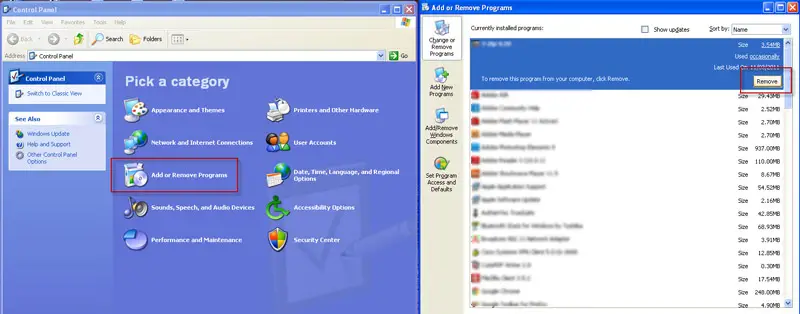
Manual Cleanup Method
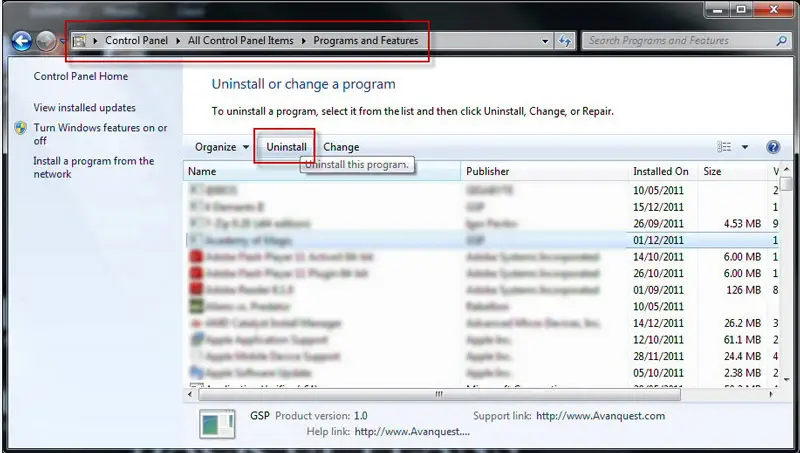
- Open Control Panel → Programs and Features
- Uninstall Adore Softex Solutions Inc Driver Updater
- Restart your computer
- Open Device Manager to verify driver status
- Remove any leftover temporary update files if necessary
Recommended if you are preparing for a fresh installation.
Advanced Removal Mode
- Launch Adore Softex Solutions Inc Driver Updater
- Open Settings or Advanced Options
- Select Complete Removal or Reset Option
- Confirm full cleanup process
- Restart your PC after completion
Use this option if standard uninstall does not fully remove the software or if driver conflicts continue.